
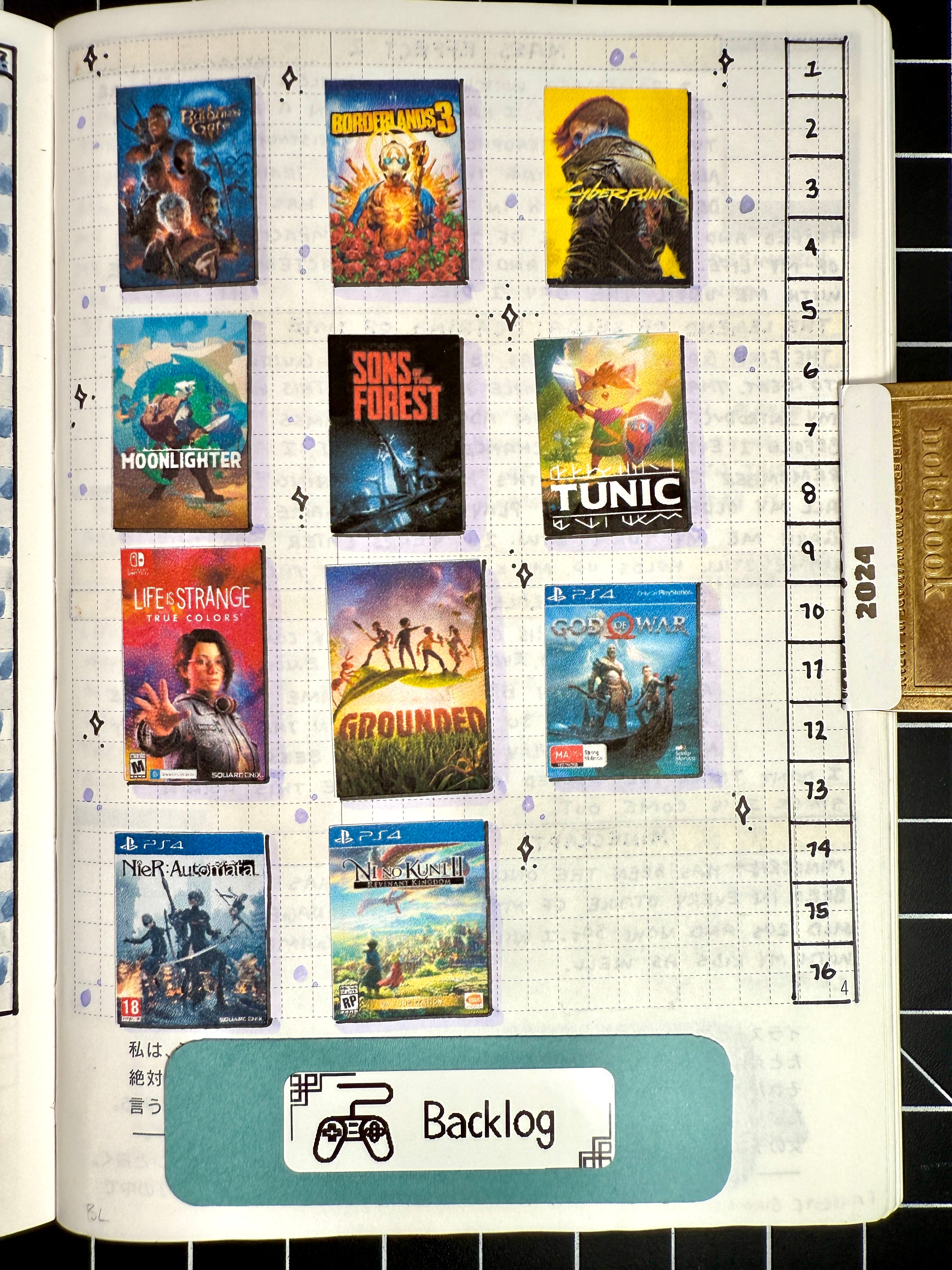
A video game backlog is a record of games you might want to play. It becomes useful when it helps you remember what caught your attention and choose what fits your life now. It becomes miserable when it turns into a second job.
That tension is getting harder to ignore. Recent writing about game backlogs has questioned whether the old idea of "play more, finish more" still fits a 2026 library shaped by ongoing games, shifting release schedules, and a steady stream of recommendations. The number of games available is not the same thing as the number of games you owe yourself.
Keep the reason, not just the title
A title in a list is thin information. A sentence about why you saved it is much more useful.
Maybe a friend recommended it. Maybe the art looked strange in exactly the right way. Maybe you played an hour, stopped, and want to return when you have more patience. Those details are the difference between a backlog that feels like a shelf and one that feels like an inbox.
When you add a game, write one short note:
- What made me save this?
- What kind of mood might suit it?
- Who put it in front of me?
You do not need a review. You need enough context to recognize the game later.
Give every game an honest place
A single backlog often mixes games you are actively playing with games you vaguely intend to play someday. That makes the whole list feel urgent. Separate the roles.
Perthro lets you track games you are playing, have played, plan to play, or shelved. It also gives you a backlog and wishlist with reordering and a next up view. Use those states plainly. A shelved game is not a failure. It is a decision you made with the information and time you had.
The useful question is not "How do I finish everything?" It is "What deserves my next evening?"
Pick a next game with three filters
When the choice feels noisy, narrow it down with three simple filters:
- Time: Do you have twenty minutes, a weekend, or a month?
- Energy: Do you want something demanding, familiar, social, or quiet?
- Pull: Which game are you actually thinking about?
The third filter matters more than people admit. A perfectly sensible choice is still a bad choice if you keep reaching for something else.
If several games survive, make a short custom list. A list called "rainy weekend" or "games I want to understand" gives the decision a shape. Perthro supports user-made lists, so the categories can be personal instead of inherited from a store.
Let finished games stay finished
After you play a game, record what you will want later. That might be a rating, a review, or one plain sentence about the experience. Perthro supports five-star ratings and reviews of any length, which means a note can be two lines or two pages.
Do not write for an imaginary audience unless you want to. A private-feeling sentence is often better memory storage than a polished verdict:
I liked the movement more than the story, but I kept thinking about the soundtrack after I stopped playing.
That kind of note can help you recommend the game to a friend months later. It can also remind you what you were responding to at the time, which is often more interesting than whether the game was "good."
Use other players as context, not pressure
Friends can make a game journal feel alive. Perthro lets you follow players, see activity, react, and reply. That is useful when the feed helps you notice something you would have missed.
It is less useful when every update becomes another item to compare against. Someone else finishing a game does not make your unfinished game more urgent. A friend's rating is a clue, not a command.
The lighter system
A manageable backlog has a few habits:
- Save the reason you cared.
- Keep "next up" small.
- Move games to shelved when your interest is gone.
- Write enough after playing that future-you can find the thread.
- Let friends add context without letting the feed set your schedule.
That is the whole system. The point is not to turn your collection into a completed spreadsheet. It is to keep your gaming life legible to you.
Perthro is available on the App Store for iPhone and requires iOS 17.0 or later. Everything in the current app is free, including tracking, ratings, reviews, lists, friends and feed, library imports from Steam, PlayStation Network, and Xbox Live, and custom themes. You can learn more through the community or support pages.
Frequently asked questions
What is the best way to manage a video game backlog?
Start by separating games you are playing now, games you plan to play, and games you have shelved. Add a short note about why each game is on the list. Then keep a small next up group instead of treating the entire collection as a promise.
Should I finish every game I start?
No. If a game is no longer holding your attention, shelve it. You can return later, but moving it out of your active list gives your current choices room to breathe.
How can I remember what I thought about a game?
Write a few lines soon after you stop playing. Mention one thing that worked, one thing that did not, and what mood the game left you in. A five-star rating can summarize the feeling, but a sentence preserves the reason.
Closing note
A backlog should help you find your way back to games. It should not keep score against you. Track what you played, keep the reasons close, and choose the next thing because it fits, not because a list is shouting.