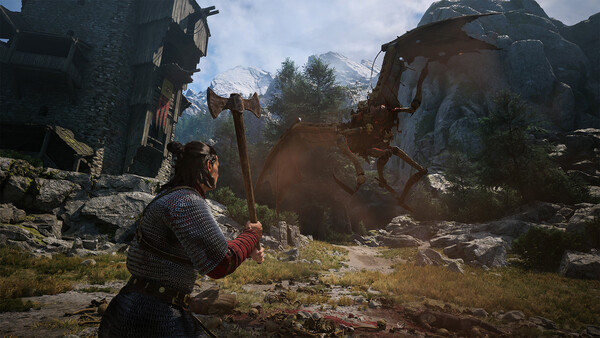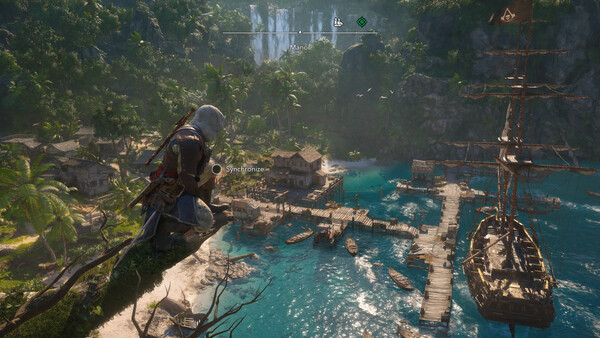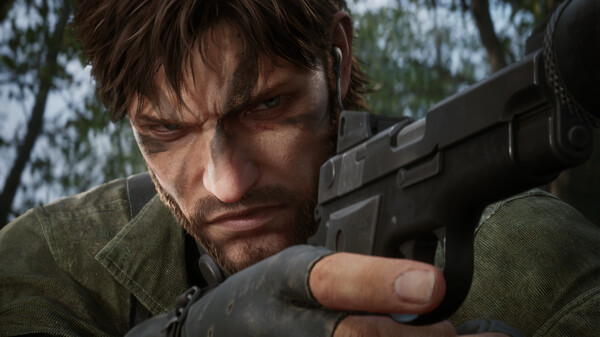

No console gives you the full storage printed on the box. A launch PS5 has 825 GB but only about 667 GB you can use. A 1 TB Xbox Series X leaves about 802 GB, and the 512 GB Series S about 364 GB. Switch 2 has 256 GB with a slice reserved for the system. Meanwhile, many of the biggest games of 2025 and 2026 ask for 100 GB or more each.
The quickest way to free up storage space is the same on every system: open the storage screen, sort by size, and delete or move the games you aren't playing this month. Your purchases stay in your library, so you can download them again later. If that still isn't enough, each console has one expansion option that runs current games at full speed: an M.2 SSD on PS5, a Storage Expansion Card on Xbox, a microSD Express card on Switch 2 and a microSD card on Steam Deck. Here's how each one works.
How much storage do PS5, Xbox, Switch 2 and Steam Deck really have?
| Console | Advertised storage | Usable for games | Expansion that plays current games |
|---|---|---|---|
| PS5 (launch model) | 825 GB | About 667 GB | M.2 NVMe SSD, 250 GB to 8 TB |
| PS5 Slim (1 TB) | 1 TB | About 848 GB | M.2 NVMe SSD, 250 GB to 8 TB |
| PS5 Pro | 2 TB | About 1.89 TB | M.2 NVMe SSD, 250 GB to 8 TB |
| Xbox Series X (1 TB) | 1 TB | About 802 GB | Storage Expansion Card |
| Xbox Series S (512 GB) | 512 GB | About 364 GB | Storage Expansion Card |
| Switch 2 | 256 GB | Less than 256 GB (system reserve) | microSD Express, up to 2 TB |
| Steam Deck | 256 GB LCD, 512 GB or 1 TB OLED | Less than listed (SteamOS) | microSD (UHS-I) |
The gap goes to the operating system. Nintendo and Valve don't publish usable figures, so those rows stay approximate.
How big are the biggest games of 2025 and 2026?
Console stores rarely publish install sizes on the web, so the most reliable public figures are the storage requirements on each game's Steam page. Console installs are often similar, but not identical, so treat these as a guide to how much room to clear.
| Game | Release | Steam storage requirement |
|---|---|---|
| Death Stranding 2: On the Beach (PC) | March 2026 | 150 GB |
| Call of Duty: Black Ops 7 | November 2025 | 161 GB at launch (SSD) |
| Control Resonant | September 2026 | 120 GB |
| Assassin's Creed Shadows | March 2025 | 115 GB |
| Call of Duty: Modern Warfare 4 | October 2026 | 115 GB |
| Borderlands 4 | September 2025 | 100 GB |
| Kingdom Come: Deliverance II | February 2025 | 100 GB |
| Battlefield 6 | October 2025 | 55 GB minimum, 80 GB recommended |
| Monster Hunter Wilds | February 2025 | 75 GB |
| Silent Hill: Townfall | September 2026 | 75 GB |
| Clair Obscur: Expedition 33 | April 2025 | 55 GB |
| Silent Hill f | September 2025 | 50 GB |
Two of those alone would fill most of a Series S.
What about GTA 6?
Grand Theft Auto VI is still dated for November 19, 2026, on PS5 and Xbox Series X/S. Rockstar says digital copies can be pre-loaded from November 10, and that the download needs up to 212 GB depending on your device. Our pre-load guide has the details.
For a sense of scale, Rockstar's two most recent big games are large on PC: Red Dead Redemption 2 lists 150 GB on Steam and Grand Theft Auto V Enhanced lists 105 GB. If you plan to play GTA 6 on launch day, clear plenty of space before November 10. Our guide on clearing your backlog before GTA 6 helps with deciding what can go.
How to free up storage space on PS5
- Go to Settings > Storage to see free space.
- Open Console Storage > Games and Apps, select what you want to remove and choose Delete.
- If Customize appears next to a game, you can delete parts of it, such as single-player or multiplayer content you've finished, and keep the rest.
Deleted games can be downloaded again from your game library at any time. You can also check storage and delete games from the PlayStation App on your phone.
If you'd rather not redownload, move games to a USB drive instead. PlayStation says USB extended storage must support SuperSpeed USB 5 Gbps or later and be 250 GB to 8 TB. PS4 games play straight from it. PS5 games can only be stored there, and you have to copy them back before you play.
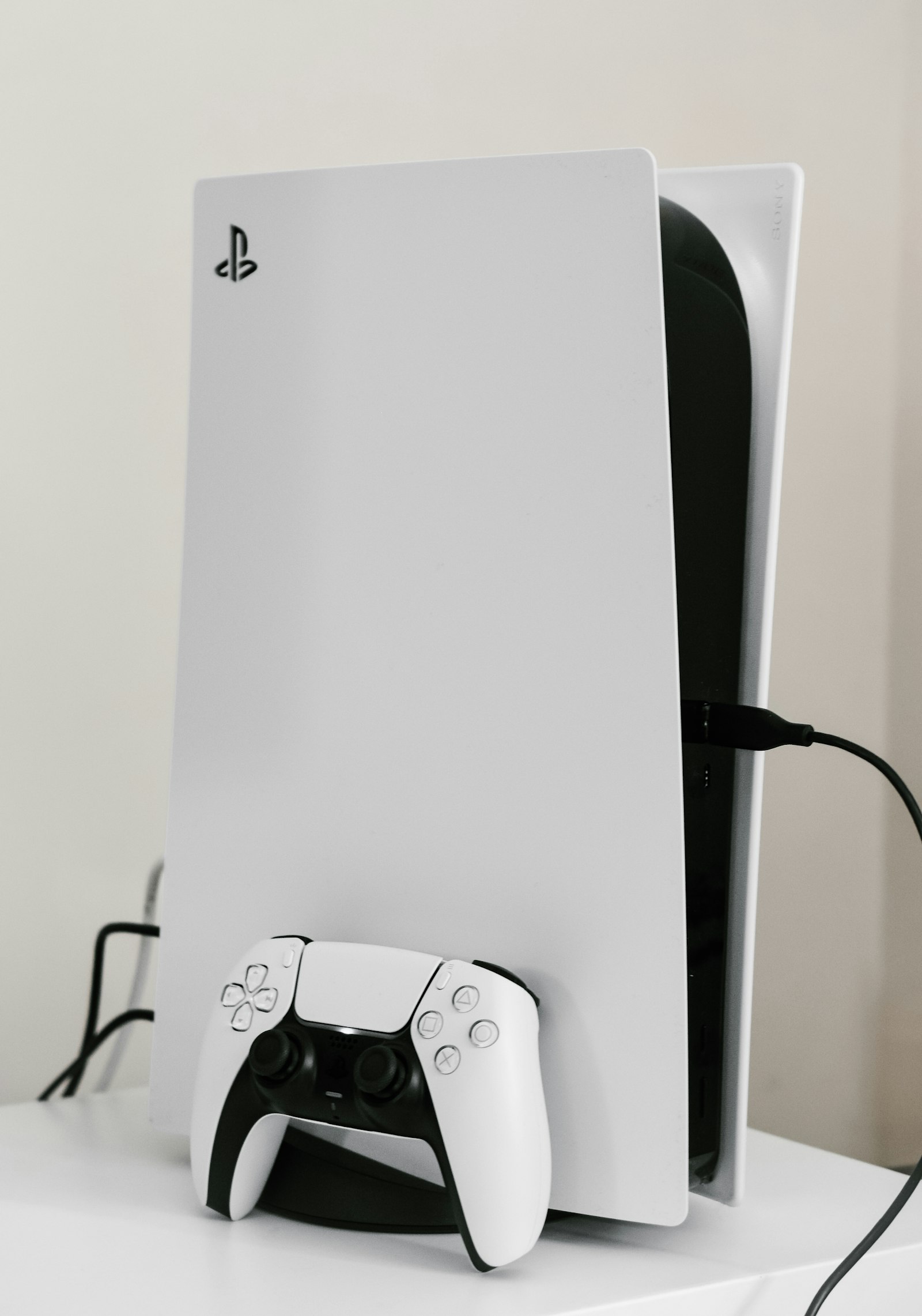
PS5 M.2 SSD requirements
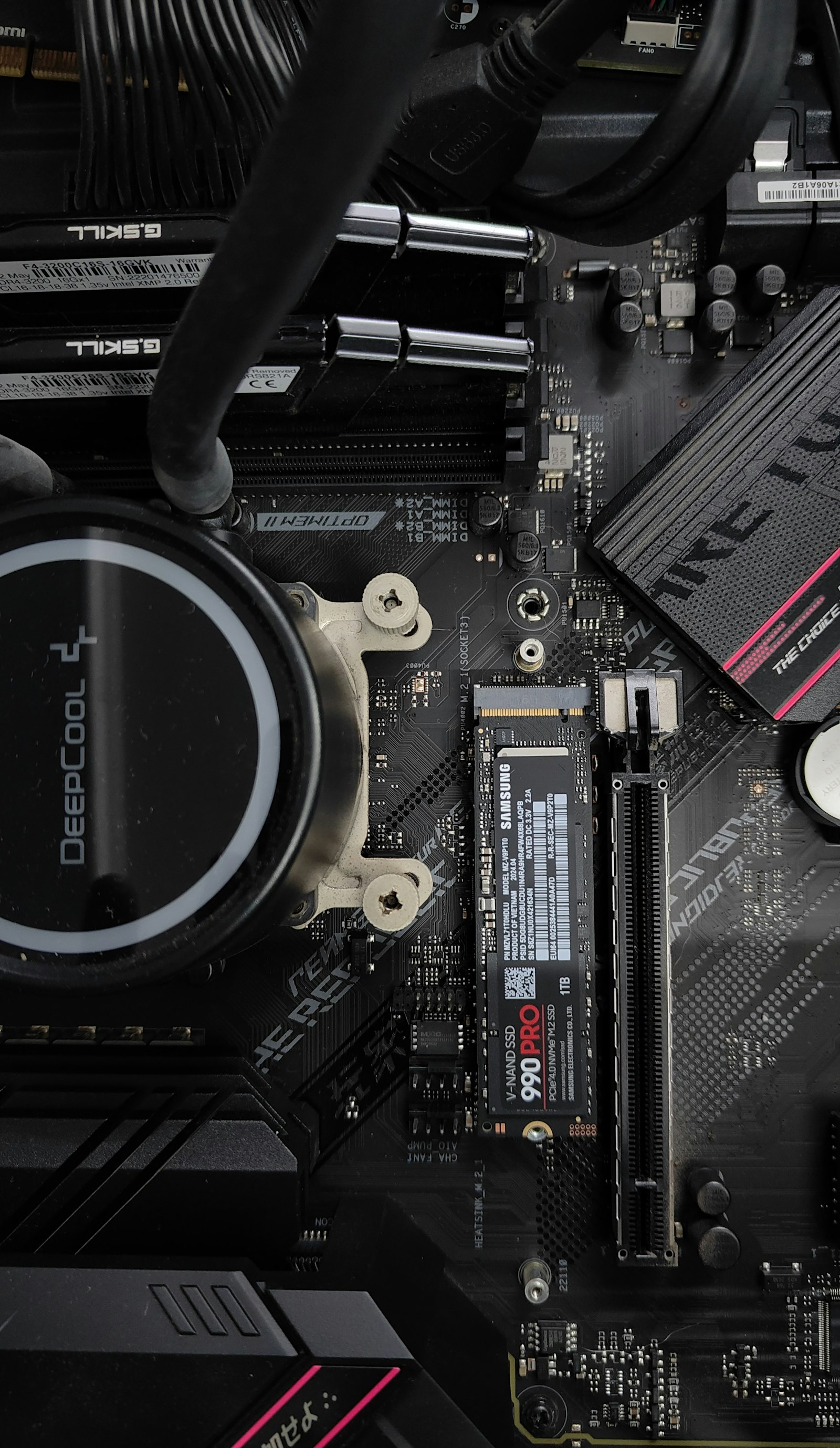
An M.2 SSD is the only way to add space that runs PS5 games directly. PlayStation's requirements:
- Interface: PCIe Gen4 x4 M.2 NVMe SSD (Key M). SATA M.2 drives don't work.
- Capacity: 250 GB to 8 TB.
- Sizes: 2230, 2242, 2260, 2280 or 22110.
- Speed: 5,500 MB/s sequential read or faster is recommended.
- Cooling: a heatsink or heat transfer sheet is required. With cooling attached, the drive must be no wider than 25 mm and no thicker than 11.25 mm (up to 8 mm above the board and 2.45 mm below).
The PS5 formats the whole drive the first time, which erases it. A single game can't be split between internal storage and the M.2 drive, and PlayStation notes that a few games may run better from internal storage.
How to free up storage space on Xbox Series X/S
- Open My games & apps > Manage > Free up space.
- Check the suggestions. Xbox lists leftover add-ons, shrinkable games, duplicate copies and games you no longer have access to.
- Uninstall what you don't need, starting with the suggestions at the top.
Uninstalled games can be reinstalled from your library at any time.
Xbox Storage Expansion Card vs USB drive
Games optimised for Xbox Series X/S only run from the internal SSD or an official Storage Expansion Card. Seagate makes 512 GB, 1 TB and 2 TB cards, and Western Digital's WD_BLACK C50 comes in the same sizes. The card plugs into the console's expansion slot and runs optimised games just like the internal SSD.
A USB drive is cheaper and still useful. Seagate's support page lists the requirements as 128 GB or larger and USB 3.0 or later. Xbox One and older backward compatible games play straight from USB. Series X/S optimised games can only be parked there, then copied back to play. Depending on your connection, copying back can be quicker than downloading again. If you want to know which older games run on current hardware, see our backward compatibility guide.
How to free up storage space on Switch 2
- Go to System Settings > Data Management to see what's on the console and the card.
- Delete software you aren't playing. You can redownload it at any time, and save data isn't affected.
- Move screenshots and videos to your phone with the Nintendo Switch App or to a computer over USB before deleting them.
Game-key cards need space too. They don't contain the full game, so the console downloads it the first time you play.
Switch 2 microSD Express cards
Switch 2 only accepts microSD Express cards for games, up to 2 TB. Older microSD cards from the original Switch won't load or save digital games, though they can still be used to view Switch screenshots and videos. Nintendo's store sells licensed cards from SanDisk and Samsung. Once a card is in, new downloads go to it by default and spill back to system memory when it's full. Save data always stays on the console, and external USB drives aren't supported.
How to free up storage space on Steam Deck
- Press the Steam button and open Settings > Storage to see each drive and the games on it.
- Uninstall games you're not playing, or move them between internal storage and the microSD card from the same screen.
- If internal storage keeps filling up even with games on the card, shader caches and compatibility data are the usual cause. Leftovers from games you uninstalled a while ago may need deleting by hand in Desktop Mode.
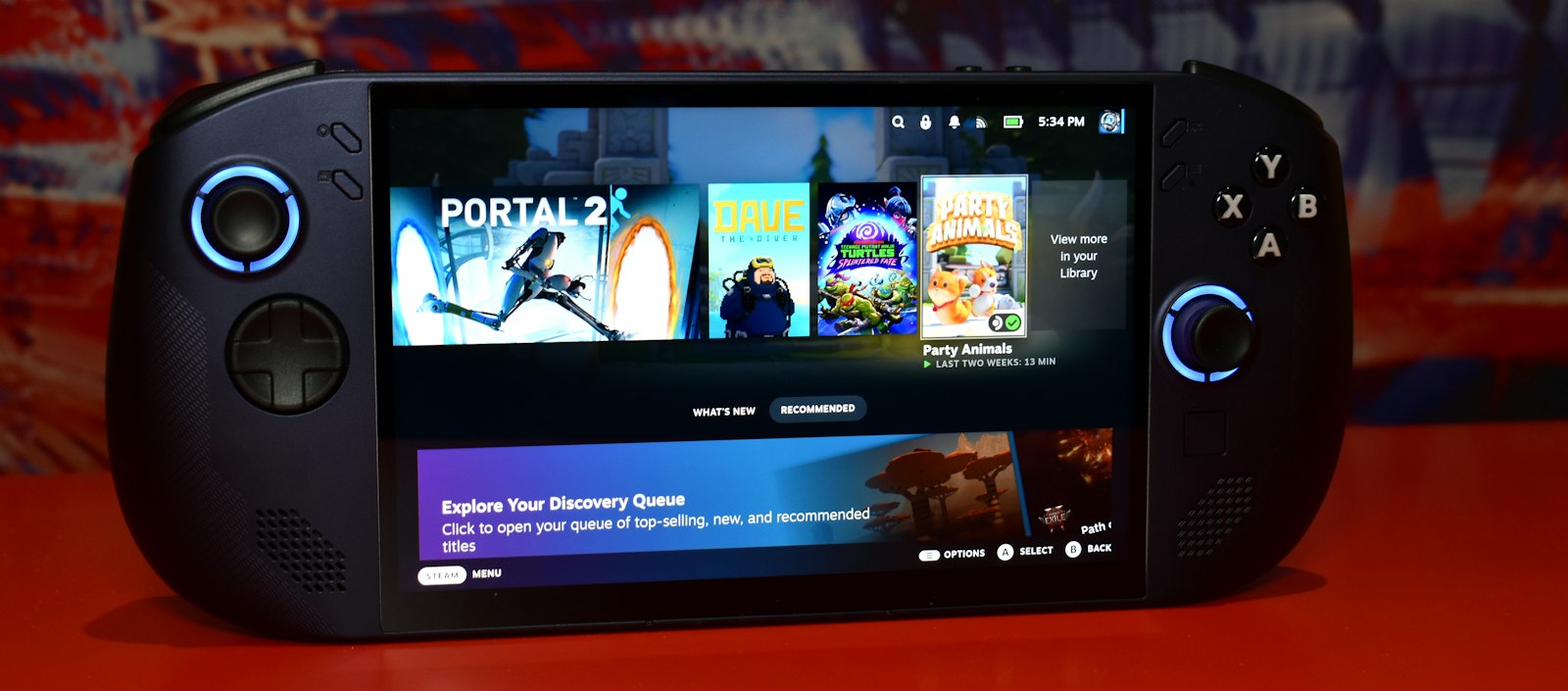
Valve's store currently lists a 256 GB LCD model and 512 GB and 1 TB OLED models. Every Steam Deck has a microSD slot that supports UHS-I SD, SDHC and SDXC cards. The Deck formats the card itself (ext4), and games on the card show up in your library straight away, so carrying a couple of cards is a fair way to swap libraries. Valve calls replacing the internal SSD "a bit complicated" and points to repair guides, so a card is the easier upgrade for most people. For more on how games are being built around the Deck, see how Steam Deck is changing PC game design.
What should you delete first?
A few rules that work on every console:
- Delete finished games first. Your trophies, achievements and saves stay with your account.
- Check the biggest installs. Live-service shooters often take the most space. If you only play one mode, see whether parts can be removed.
- Park, don't delete, if your internet is slow. Moving a game to a USB drive or spare card and back can beat a 100 GB download.
- Leave some headroom. Games grow with every patch and season, so don't fill a drive to the last gigabyte.
A game you uninstall halfway through is easy to forget about. Perthro keeps your games and journal entries in one place, separate from what's installed, so uninstalling a game doesn't mean losing track of it.
Sources
- PlayStation Support: How to manage storage space on your PS5 console
- PlayStation Support: How to add an M.2 SSD to a PS5 console
- PlayStation Support: USB extended storage on PS5 consoles
- Push Square: PS5 Pro gives you 1.89TB of usable storage
- The FPS Review: PS5 Slim usable storage vs Xbox Series X
- KitGuru: The Xbox Series S has 364GB of available storage
- Pure Xbox: Xbox update to help free up storage space
- VGC: Xbox confirms 2TB and 512GB storage expansion cards
- Seagate: Using an external USB drive with an Xbox Series X or S
- Western Digital: WD_BLACK C50 Storage Expansion Card for Xbox
- Nintendo: Nintendo Switch 2 Data Management FAQ
- Nintendo Support: microSD and microSD Express compatibility with Switch 2
- Steam Deck: Tech specs
- Steam Deck: FAQ
- Steam Deck on the Steam store
- Steam Community: Steam Deck internal storage full
- Rockstar Newswire: Grand Theft Auto VI pre-load begins on November 10
- Wikipedia: Grand Theft Auto VI
- Steam store pages: Death Stranding 2, Call of Duty: Black Ops 7, Control Resonant, Assassin's Creed Shadows, Call of Duty: Modern Warfare 4, Borderlands 4, Kingdom Come: Deliverance II, Battlefield 6, Monster Hunter Wilds, Silent Hill: Townfall, Clair Obscur: Expedition 33, Silent Hill f, Red Dead Redemption 2, Grand Theft Auto V Enhanced