
The three things to do first in GTA 6 are to save by hand, bank your cash, and learn the Focus button. The game only autosaves after missions and has no mission replay. The money in your pocket disappears when you die or get arrested. And clicking both sticks together highlights loot, enemies and doors, which the game doesn't make much of a point of telling you.
GTA 6 is slower and less forgiving than GTA V, and a lot of what makes the first few hours easier is tucked away in menus and phone apps. The 15 tips below come from launch guides by people who've played the finished game. We've kept to tips that at least two of them agree on, and said so where only one does. There are no story spoilers, and we've left mission names out.
GTA 6 quick-start checklist
| Do this | Why |
|---|---|
| Make a manual save at the start of each chapter | Autosave only runs after missions, and missions can't be replayed |
| Bank or stash cash after every job | Carried cash is lost when you die or get busted |
| Click both sticks (L3 + R3) in every new room | Focus highlights cash, loot and enemies |
| Keep a spare outfit in your car's trunk | Police track what you're wearing |
| Holster your gun in public | A drawn weapon gets you reported |
| Scan a car with your phone before stealing it | Some have trackers that call the police |
| Eat before a hard mission | Food and drink raise health, stamina and Focus |
Before you play
1. Fix a few settings first
Two guides suggest starting in the settings menu. Output Lag recommends turning Motion Blur Strength down to 0, since the game runs at 30 frames per second and the default blur softens it further, and raising look and aim sensitivity a couple of notches. Inven Global recommends locking the minimap so it stays on screen, and switching distance, temperature and weight to units you're used to.
Those are each one guide's preference, so treat them as a starting point. Output Lag also notes accessibility options that lower enemy health and vehicle damage and simplify mini-games, which are worth knowing about if this is your first GTA.
2. Save by hand
This is the tip every guide leads with. Output Lag and Endgame Tools both report that GTA 6 autosaves only when a mission ends, that you can't save during one, and that there is no way to replay a finished mission.
So make a manual save before any mission you think you might want to see twice, and start a fresh slot each chapter. Output Lag counts 15 manual slots, which is enough for one per chapter with some to spare. It also says saving is unavailable during the prologue, so play that through in one sitting.
3. Don't expect GTA V
Gamerbolt's guide calls assuming GTA V's rules still apply the biggest beginner mistake. Cars need fuel and can be damaged badly enough to stop. Police respond to reports, not to crimes nobody saw. Money comes slowly. The game is asking you to plan a little, and it goes better once you do.
Money
4. Bank your cash after every job
Inven Global, Output Lag and Endgame Tools all say the same thing: cash you're carrying is lost when you die or get arrested. Inven Global puts the carrying limit at $20,000.
Early on, before you have a bank account, Output Lag says there's a stash at Jason's house that takes deposits. Once banking opens up, deposit at an ATM. Either way, the habit is the same. Finish a job, sell what you took, and put the money away before you do anything risky.
5. Don't grind for money early
Money builds slowly in the first two chapters, and that's intended. Inven Global says the real earning opportunities open in Chapter 3, and Endgame Tools notes that bank cash is rigged with dye packs until you get a tool for them in that chapter. Both suggest leaving banks alone until then.
For the early hours, Output Lag and Kotaku's tips, as summarised by Endgame Tools, both point to treasure diving around the Keys as safe money: nobody shoots at you and it pays on the spot.
6. Rob quietly
Robberies are the main way to earn. Endgame Tools says the map shows each store's security level, and that low-security stores can be done alone while tougher ones go better with both characters.
Quiet pays more than loud. Inven Global explains that the stealthier you are, the longer you have to loot before police arrive, and recommends a suppressor as an early weapon upgrade. Output Lag adds that cutting a store's alarm and destroying its security footage stops the police being called and stops cameras identifying you.
Police
7. Learn what the police know about you
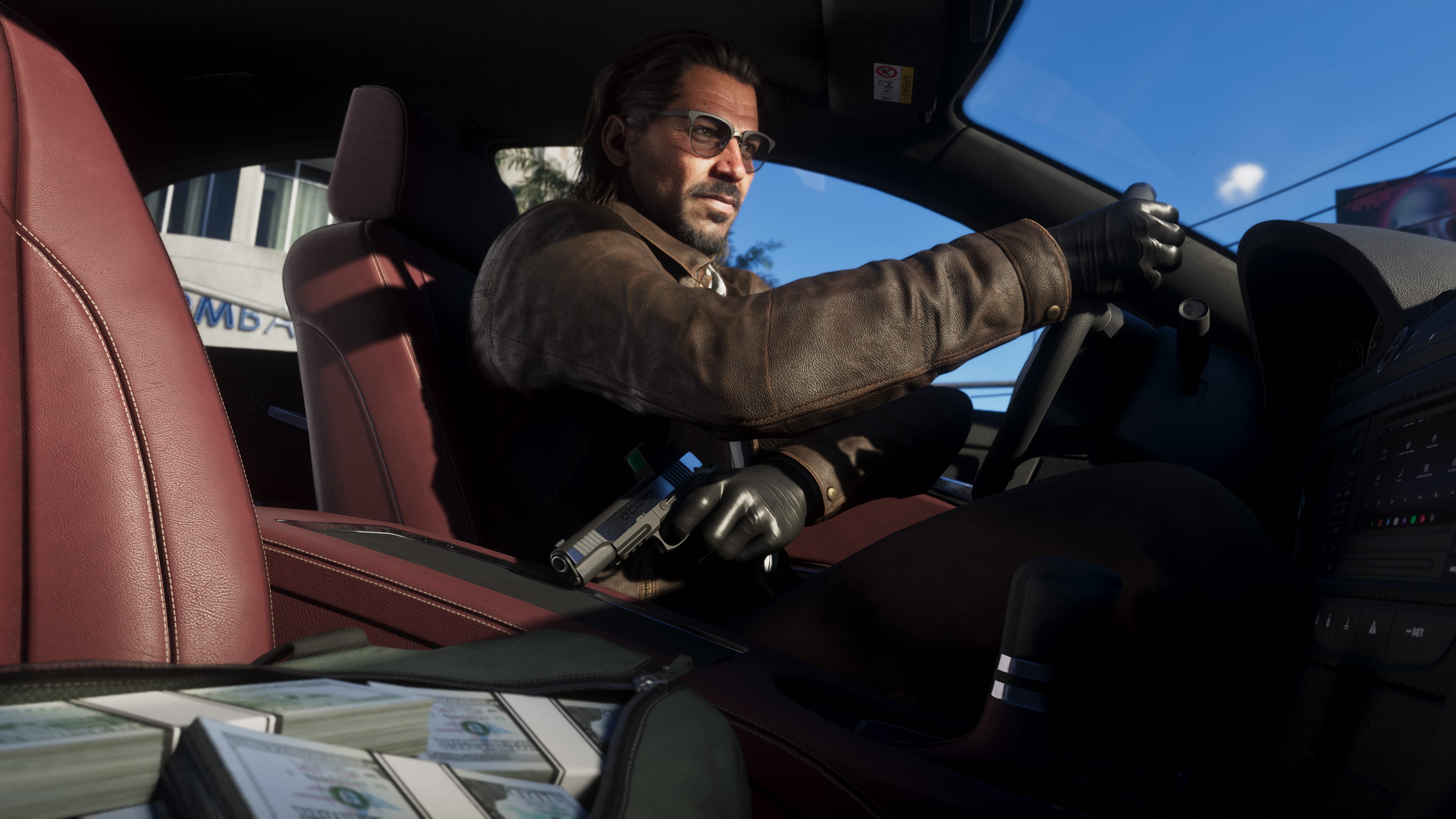
The wanted system tracks specifics. Output Lag says icons under the wanted stars show whether officers know your outfit, your face or your car. Endgame Tools lists the same factors, plus a visible weapon, CCTV footage and your partner.
Getting away is about changing those things, not outrunning everyone.
- Get out of the search area.
- Change into a spare outfit. Both guides say your car's trunk holds them.
- Swap or respray the car.
- Put your gun away.
Output Lag warns that if you drive back past looking the same, officers can pick the chase up again. It also advises against shooting your way out, because killing police raises the heat and damages your Criminal Profile.
8. Holster your gun
People who see a drawn weapon report it. Output Lag gives the holster button as L1 on PS5 and LB on Xbox, and Endgame Tools lists a visible weapon among the things police look for. Make it a reflex before you walk into a shop or a crowd.
9. Mind your Criminal Profile
Each character has a Criminal Profile that tracks how violently you play. Output Lag describes five tiers running from Professional to Irredeemable, pushed down by killing civilians, police and animals. Shots to limbs wound without killing, according to Endgame Tools, so you can play most of the game without a body count.
The important part: Output Lag, Endgame Tools and VGC's review all say the worst tier, Irredeemable, is permanent, and VGC says it affects the story. If you want to go on a rampage for fun, save first and reload afterwards.
Controls worth knowing
10. Use Focus constantly
Click both sticks together, L3 + R3 on PS5 or both stick clicks on Xbox. Endgame Tools says that with a gun out it slows time briefly to help you aim, and that outside combat it highlights enemies, usable objects and cash in different colours. Output Lag uses it to search rooms for loot. Inven Global uses the same input to find where a nearby sound is coming from, which is how you find events that aren't marked on the map.
These are the other inputs the guides mention. They're reported by the guides named, so check them against the in-game controls screen.
| Action | Input | Reported by |
|---|---|---|
| Focus | L3 + R3 | Output Lag, Endgame Tools, Inven Global |
| Holster or draw your weapon | L1 (LB on Xbox) | Output Lag |
| Ask your partner to do something | Hold D-pad right | Inven Global |
| Switch character | Hold D-pad right, then R1 (RB on Xbox) | Output Lag |
| Open the car-scanning app | Hold D-pad up | Endgame Tools |
| Cinematic camera with autopilot | Hold D-pad down | Inven Global |
11. Ask your partner for help
When Jason and Lucia are together, holding right on the D-pad brings up requests. Inven Global lists asking them to distract police, take the wheel, or go and sell your stolen goods for a slightly lower payout. Free switching between the two unlocks a little way into the story, according to Output Lag.
One catch: they don't share everything. Inven Global says a bought weapon is available to both, but ammunition, healing items and weapon upgrades are separate. Output Lag adds that each character trains separately. Check both before a big mission.
Cars and travel
12. Scan a car before you steal it
Your phone has an app that scans vehicles. Output Lag and Endgame Tools both describe pointing it at a car to see its security, its sale value and what it would cost to register as your own. Cars with trackers alert the police, so leave those until later.
Stolen cars don't stay yours by default. Output Lag says they vanish when you die, get busted or walk away, and that registering one costs several times what it sells for. Inven Global's advice is to keep a practical garage: an SUV for cargo space and a truck for certain jobs, not just sports cars.
13. Watch fuel and engine health
Vehicles have a fuel gauge and an engine condition meter, and either one hitting zero stops the car. Inven Global suggests checking fuel before a long drive. It's less of a burden than it sounds. Radio Times' reviewer saw the fuel warning three times in 50 hours.
If a car dies in the middle of nowhere, Inven Global and Endgame Tools both mention a phone app called Scooter Bros that delivers your vehicle to you.
14. There's no fast travel from the map
You can't warp from the map screen. Inven Global and Endgame Tools both describe a ride-hailing app on your phone that drives you to a destination, with the option to pay an extra $100 to skip the journey. Output Lag describes calling a taxi from your phone contacts. The guides spell the ride app's name differently, so look for it on your phone.
If you'd rather watch the scenery, Inven Global says holding down on the D-pad starts a cinematic camera with autopilot, though it obeys traffic laws and can get stuck in jams.

Your characters
15. Eat, train and sleep, but don't obsess
Three stats matter: health, stamina and Focus.
| Stat | How to raise it | Good to know |
|---|---|---|
| Health | Strength training; food gives a temporary boost | Drops back if you stop training |
| Stamina | Cardio; drinks give a temporary boost | Drops back if you stop training |
| Focus | Calm activities such as fishing | Gains stay |
That's from Endgame Tools and Inven Global, which agree on the basics. Output Lag adds that strength and cardio gains are capped per day, so a little each day beats one long session.
None of it is compulsory. Radio Times says the game doesn't punish you for ignoring the life-simulation side, apart from a couple of story moments. Eating something before a tough mission is the one habit worth keeping.
What you can safely skip at the start
- Banks. Leave them until Chapter 3.
- Registering cars. It's expensive early on, and you get a car of your own from the story.
- Clearing the map. Events aren't marked anyway. Our guide on playing a huge open world without clearing every icon makes the case for leaving most of it.
- Rushing. The story runs about 60 hours. Our guide to how long GTA 6 is has a planner by hours per week.
If you own the Ultimate Edition, Output Lag reports that a few of its items, including Jason's motorcycle and kayak, are only usable in Chapter 1. Our editions comparison lists what's in the pack.
For more on the game itself, see our GTA 6 review roundup, the spoiler-safe guide to Leonida's six regions, and GTA 6: everything you need to know.
A game with this many systems is easier to come back to if you leave yourself a note. In Perthro you can log GTA 6 and write a line after each session, such as where your cash is stashed and what you were about to do, so picking it up after a few days away takes seconds. Our gaming journal page shows how it works.
Sources
- Output Lag: GTA 6 beginner tips, 20 things to know first
- Inven Global: 13 tips I wish I knew before starting GTA 6
- Endgame Tools: GTA 6 beginner tips, 10 things to know before you start
- Gamerbolt: GTA 6 beginner tips, 20 things to know before you start
- VGC: Grand Theft Auto 6 review
- Radio Times: GTA 6 review
Games in this post
Ratings, reviews and time to beat for each game on Perthro.