
Track your Steam, PlayStation and Xbox games in one app
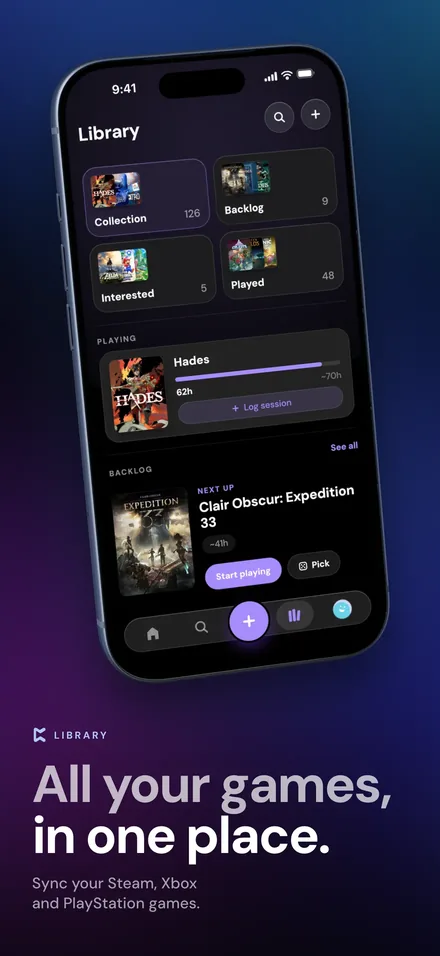
Your games are split across Steam, PlayStation and Xbox, and none of them know about each other. Perthro brings them together on your iPhone. Connect each account once and Perthro imports your library, keeps it in sync, and catches your play sessions so logging a game takes a tap. Nintendo and physical games go in alongside them.

What Perthro syncs from each platform
| Platform | What syncs |
|---|---|
| Steam | Your games, playtime, achievements and when you last played. You can also import your public Steam wishlist. |
| PlayStation | Your games, playtime and trophies. |
| Xbox | Your games, achievements and Gamerscore. Xbox doesn't share playtime. |
| Nintendo and physical | No account sync, but you can add any game by searching IGDB's catalogue, many at once. |
Connecting is free, and you can connect all three. You sign in on each platform's own page, so Perthro never sees your password. Every connected game gets a verified ownership badge.
Play sessions, caught for you
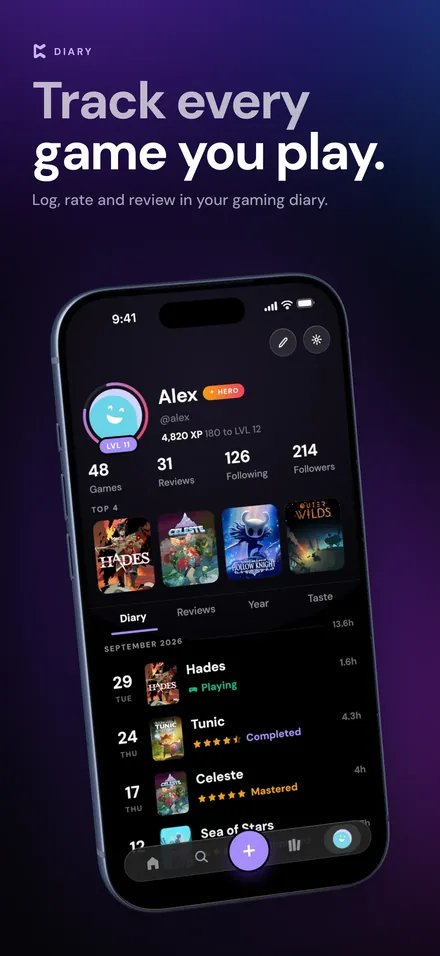
Once a platform is connected, Perthro notices when you've played and queues the session with the game and the platform, plus how long you played where the platform shares it. You tap Log it and the entry arrives already filled in. Nothing reaches your journal until you confirm it, and anything you discard stays gone.
How syncing works
- When it syncs: every time you open the app (at most every six hours), or whenever you tap Sync now. Turn on Auto-sync for an account to sync twice a day even when the app is closed.
- Steam privacy: Steam only shares your games and playtime when your profile and game details are set to Public in Steam's privacy settings.
- PlayStation sign-ins: they expire after a while. Perthro warns you a few days ahead, and reconnecting keeps all your synced games.
- Disconnecting: your logs and reviews stay. Only the data imported from that platform is removed.
One library across every platform
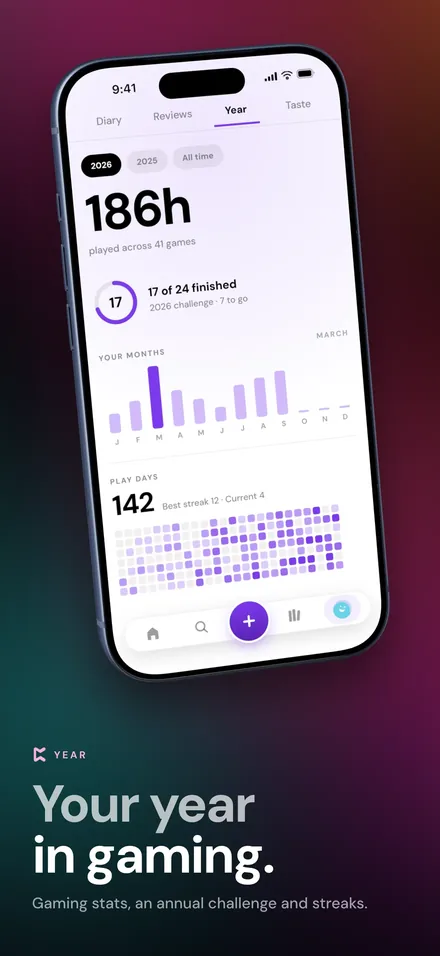
With everything in one place, your library becomes something you can actually use: one backlog across every store, one list of what you're playing, and one profile that shows your hours and games from all your platforms. See how Perthro turns that into a backlog tracker and a gaming journal.
Moving from another tracker? Import a CSV export from another app or a Steam export tool, and your history comes with you without flooding your friends' feeds.
Platform tracking FAQ
Can I track Steam games on my iPhone?
Yes. Connect Steam in Perthro to import your games, playtime, achievements and last-played dates. Your Steam profile and game details need to be set to Public.
Does Perthro track PlayStation trophies and Xbox achievements?
Yes. PlayStation brings in your games, playtime and trophies. Xbox brings in your games, achievements and Gamerscore, but Xbox doesn't share playtime.
Can I track Nintendo Switch games?
Yes, by hand. Nintendo doesn't offer an account connection, but you can search for any Switch game and add it to your library, many at once.
How often does Perthro sync my games?
Every time you open the app, at most every six hours, or whenever you tap Sync now. With Auto-sync on, an account also syncs twice a day while the app is closed.
Does Perthro see my Steam, PlayStation or Xbox password?
No. You sign in on each platform's own page, and Perthro never sees your password.
More about Perthro
- Game tracker app: everything Perthro tracks.
- Backlog tracker: keep your backlog honest and pick what to play.
- Gaming journal: a diary of every game you play.
Bring all your games together
Connect Steam, PlayStation and Xbox in a minute. Perthro is free on the App Store for iPhone.