

Every major platform tracks how long you play, but each one shows it somewhere different. On Steam, your profile lists hours on record for every game, and your library can be sorted by hours played. On PS5, go to your profile and open the Games tab. On Xbox, open the guide, go to Game activity, then All achievements, pick a game and select Stats. On Switch 2 and Switch, select your user icon on the HOME Menu and scroll down.
The short answer on accuracy: treat every number as a good estimate, not a stopwatch. Steam and PS5 give you a clean per-game total. Xbox shows time played only for games that track it. Nintendo shows your 20 most recent games on the console and keeps the full history in its phone apps. Here's where to look on each platform, step by step, and what each one quietly leaves out.
Where each platform shows your playtime
| Platform | Where to look | What you see | The catch |
|---|---|---|---|
| Steam | Profile, Games page or Recent Activity | Hours on record per game, hours in the past two weeks, last played | Only time logged since March 2009; offline play may not be counted |
| PS5 | Profile, Games tab | Total hours and last played for every PS5 and PS4 game on your account | Some disc games have shown 0 hours since mid-2026 |
| Xbox | Guide, Game activity, All achievements, Stats | Time played per game | Not every game tracks it; no single total across games |
| Switch 2 and Switch | User icon on the HOME Menu | Total playtime for your 20 most recently played games | Full history lives in the Nintendo Store app |
How to see your playtime on Steam
Steam has kept count since March 2009, when Valve added hours-played tracking, according to PC Gamer. There are three good places to check:
- Your profile's Recent Activity. Open your Steam profile and look at the Recent Activity box. It shows how many hours you've played in the past two weeks, then each recent game's total "hrs on record" and the date you last played it.
- Your profile's Games page. Select Games on your profile for the full list, with total hours for every game you've played on your account.
- Your library. You can sort your Steam library by hours played, which is the quickest way to see what you've actually spent your time on.
If friends can't see your hours, check your privacy settings. Since Valve's 2018 privacy update, you can choose who sees your profile's game details, and there's a separate option to keep your total playtime private even when people can see your games. Parents in a Steam Family can also view playtime reports for child accounts.
How to see hours played on PS5
PS5 shows a total for each game in your profile, and it includes your PS4 history too. As Tom's Guide lays out:
- On the PS5 home screen, select your player icon at the top of the screen.
- Select Profile.
- Open the Games tab.
Games are listed by when you last played them, and under each one you'll see the date you last played and your total hours. PS4 games played on the same account show up too. For a friend's hours, open Friends on your profile, pick a friend and switch to their Games tab, privacy settings permitting.
For parents, the PlayStation Family app's Activity widget shows "an activity summary for the last 7 days" and a child's most played games, per Sony's support page.
One known problem: since mid-2026, some PS5 owners have reported physical disc games showing 0 hours played, while digital copies count normally. Notebookcheck reports that PlayStation Support has acknowledged the issue but hasn't given a timeline for a fix.

How to check playtime on Xbox
Xbox tracks time played per game, but only where the game supports the stat. Microsoft's support page gives two routes.
On an Xbox console:
- Press the Xbox button to open the guide.
- Select Game activity, then All achievements.
- Select a game, then select Stats.
On the web:
- Sign in at account.xbox.com.
- Select your gamerpic, then Xbox Profile, then Achievements.
- Select a game, then Achievements again. Your minutes played appear among the stats.
Microsoft's note is blunt: "Not all games track this stat." There's no lifetime total across games either. Console game hubs, which open when you pick a game from your recently played list, show player stats, and on PC the Xbox app's game hubs show your total playtime and when you last played.
The display is changing, too. In May 2026, after feedback through Xbox's Player Voice program, Xbox began showing console playtime in total hours instead of days, starting with select Xbox Insiders, according to Pure Xbox. Depending on your update, you may see either format.
For children's accounts, the Xbox Family Settings app shows daily and weekly activity reports, including a breakdown of how screen time was used.
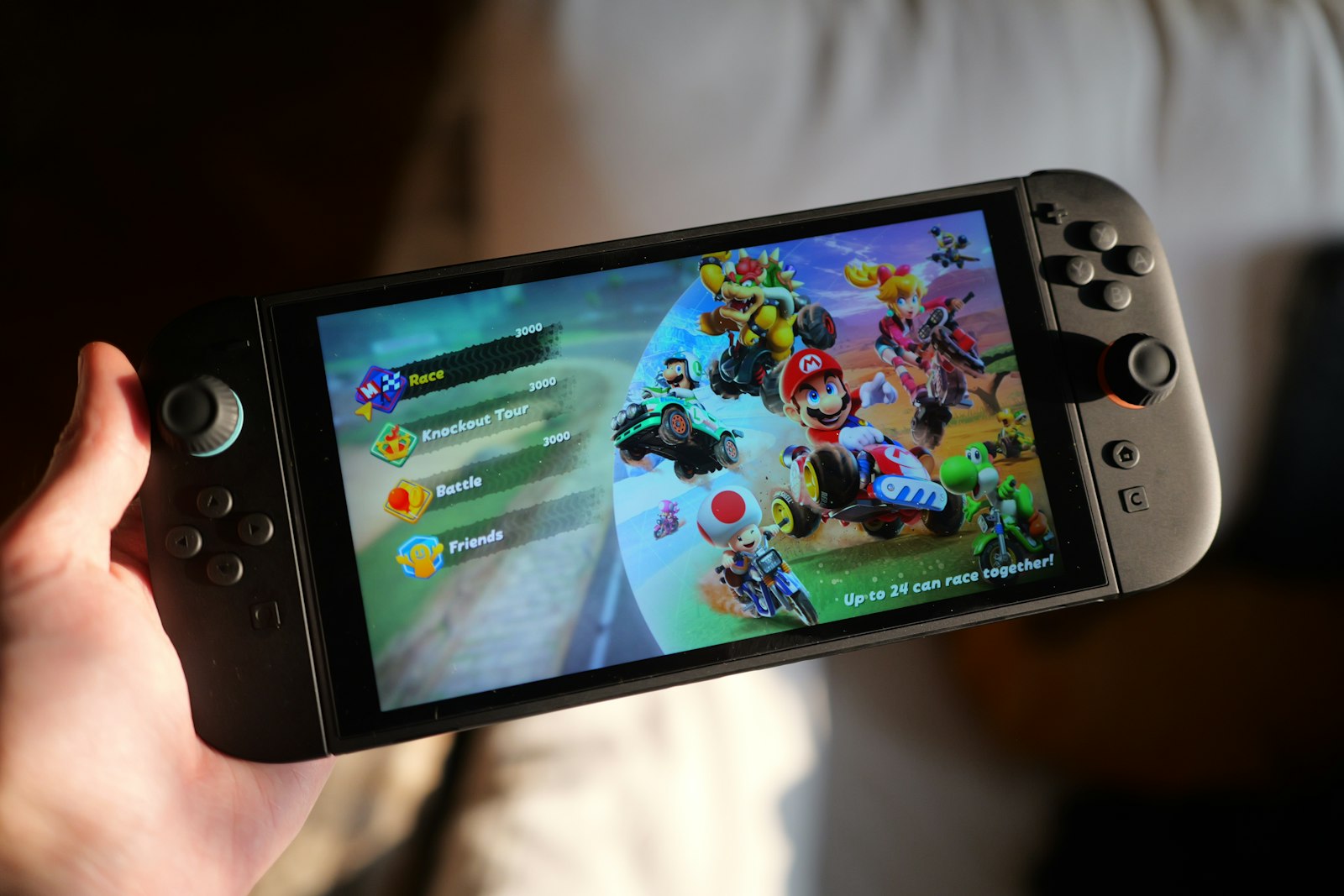
How to check playtime on Switch 2 and Switch
Nintendo gives you four places to look, according to its Switch 2 support page. The same steps work on the original Nintendo Switch.
On the console or in the Nintendo Switch app
- Select your user icon (My Page) on the HOME Menu.
- On the Profile page, scroll down to see total playtime for up to 20 games you've played most recently.
The Nintendo Switch phone app shows the same list: sign in, tap your user icon in the top right and scroll down.
In the Nintendo Store app
This is the best place for your full history. Open your User Page, tap Play Activity, and select View More for how long you played each game per day. Further down, All Activity sorts every game by most recently played, date first played, total time played or system. Per Nintendo, the history starts from the day you linked your Nintendo Account to your console, new data can take up to a day to appear, and 3DS and Wii U play data only runs through February 2020.
In the Parental Controls app
The Nintendo Switch Parental Controls app shows daily play time on a linked console, plus a monthly summary you can filter by user. On Switch 2, tapping a day also shows GameChat use and who that user played with.
Year-in-review recaps: Steam Replay, PlayStation Wrap-Up and Nintendo's Year in Review
If you'd rather get your hours as a yearly summary, Steam, PlayStation and Nintendo each put one together.
- Steam Replay covers your year on Steam: most-played games, total games played, achievements, longest sessions, monthly stats and how you compare with the average player. The 2025 edition launched in December 2025, per PCWorld.
- PlayStation Wrap-Up: the 2025 edition ran from December 9, 2025 to January 8, 2026, and needed an adult account, at least 10 hours on PS4 or PS5 that year and the "Full Data" setting turned on, per the PlayStation Blog.
- Nintendo's Year in Review for 2025 arrived in January 2026 and covered Switch and Switch 2 together: total hours, your top three games and monthly breakdowns, with history going back to 2017, per Siliconera.
How accurate is your playtime?
Accurate enough to settle an argument, not accurate enough to bill by the hour. Four things skew the numbers:
- Idle time counts. Playtime counters track how long a game is running, not how long you were holding the controller. PC Gamer's Evan Lahti admits that leaving a game running for 10 or 20 minutes bothers him, because it dilutes the record.
- Offline play can slip through. Valve's Steam Replay stats don't include time spent in offline mode or without internet, GamingOnLinux reports. Nintendo says each console needs an internet connection to show your most up-to-date play activity.
- More than one console. Play the same game on two Nintendo consoles and your play activity may not reflect your total across both. If a Switch total looks too low, Nintendo's troubleshooting page suggests updating the system and playing on.
- Bugs and gaps. The PS5 disc issue above is one example. On Xbox, a game that doesn't track the stat simply has no number.
If you're checking your hours because a game feels like it's dragging, our piece on whether video games are too long is worth a read, and so is our guide to finding time to play games when the hours are the problem.
Keep all your hours in one place
The awkward part is that your hours live in four places that don't talk to each other. Perthro syncs playtime from Steam and PlayStation into one library on your iPhone, next to your ratings and reviews. Xbox games and achievements sync too, but Xbox doesn't share playtime, and Nintendo games go in by hand. The Steam, PlayStation and Xbox tracker page lists what each platform shares, and our guide to keeping a game journal without homework covers what to do with the hours.
Sources
- PC Gamer: Help, I care an unhealthy amount about my Steam hours-played data
- TheSixthAxis: Steam update their privacy settings
- Steam Support: Steam Families user guide and FAQ
- Tom's Guide: How to show play time on PS5
- PlayStation Support: How to manage your family on PlayStation Family app
- PlayStation Blog: Announcing PlayStation Family App
- Notebookcheck: PS5 playtime tracking for physical games
- Xbox Support: View your time played
- Xbox Support: Game hubs on Xbox
- Xbox Wire: Game hubs are available now for Xbox Insiders on PC
- Pure Xbox: Xbox ships its first feature in response to Player Voice feedback
- Xbox Support: Activity reports in the Xbox Family Settings app
- Nintendo Support: How to check Nintendo Switch 2 play time and usage activity
- Nintendo Support: How to check play time and usage activity on Nintendo Switch
- Nintendo Support: How to view play activity in the Nintendo Store app
- Nintendo Support: Play activity does not display correctly
- PCWorld: Steam Replay 2025 is here
- GamingOnLinux: Steam Replay is live
- PlayStation Blog: PlayStation 2025 Wrap-Up
- Siliconera: 2025 Nintendo Year in Review